
Evening lighting can be tricky. Shadows from overhead lamps or dim room lights often make your face appear wider than it actually is. Photo editor face thinner – RetouchMe app can help, but there are also simple tricks to improve your appearance naturally before any digital adjustment. Understanding how light, angles, and subtle enhancements interact is key to keeping your face looking refined in low light, whether it’s for casual photos or social media posts.
Light from above or the side emphasizes shadows under the eyes, along the jawline, and beneath the cheekbones. These shadowed areas can make the face look rounder and sometimes flatten the features. Even small changes in positioning, makeup, or camera angle can dramatically improve the overall look and bring more dimension to your face.
Practical ways to slim your face
Here’s a combined approach using lighting, angles, makeup, and minor digital tweaks:
- Stay close to soft, diffused light instead of harsh overhead lights to reduce deep shadows that exaggerate width.
- Tilt your face toward the light, lowering or turning your chin, to highlight the jawline and cheekbones naturally.
- Use reflective surfaces like pale walls or tables to bounce light softly onto your face, softening unwanted shadow lines.
- Apply a matte bronzer under the cheekbones and along the jawline to create depth where shadows exaggerate width.
- Highlight the tops of cheekbones, bridge of the nose, and forehead to bring forward features that naturally catch light.
- Blend makeup carefully to avoid harsh lines, which can worsen shadow effects in dim lighting and create an unnatural look.
- Choose a foundation with a subtle satin finish to reduce shadow contrast without adding shine or drawing attention to problem areas.
- Avoid very dark lip colors or heavy eye makeup that emphasize shadowed areas, making the face appear broader.
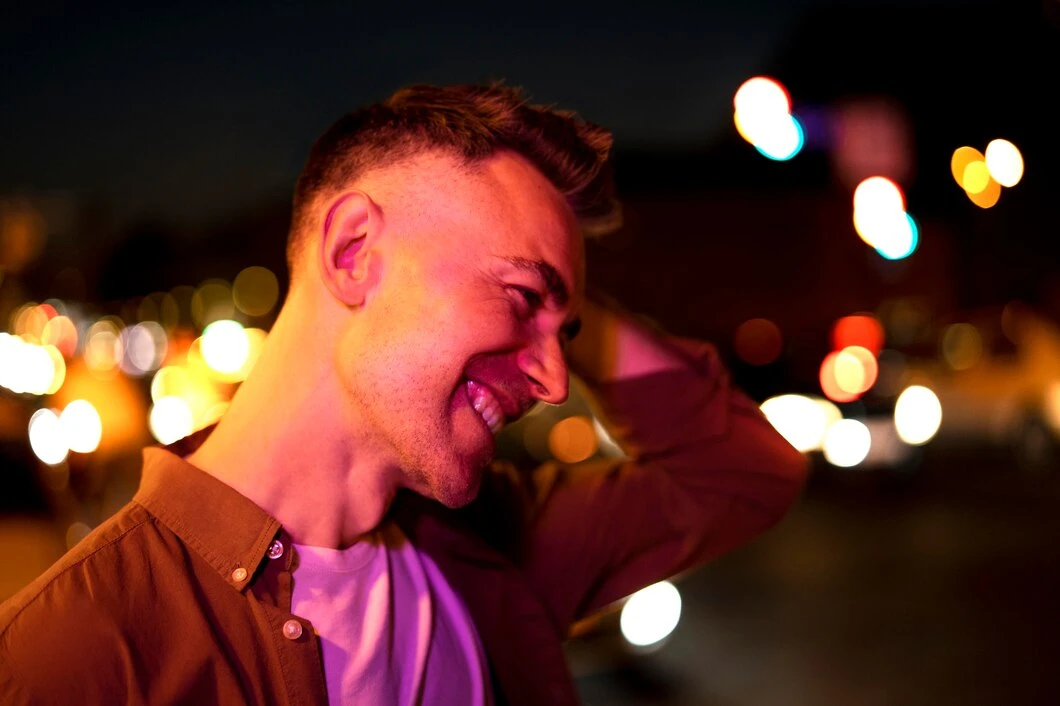
- Style your hair with soft layers or volume at the crown to elongate the face visually and balance shadowed areas.
- Use RetouchMe’s Thinner Face service for professional, natural-looking digital refinement on jawlines and cheekbones.
- Combine subtle app adjustments with makeup and lighting for a polished, natural appearance that looks effortless.
- Hold the camera slightly above eye level for selfies or group photos to reduce shadow exaggeration on the lower face and create flattering proportions.
Even implementing just a few of these steps can noticeably slim your face in evening photos, giving you confidence in both casual shots and social media uploads.
Sometimes, shadows persist despite good lighting or makeup. RetouchMe offers a fast, professional way to refine facial proportions. Real editors adjust features naturally, delivering polished results without requiring advanced skills. Upload your photo, select areas to enhance, and let the professionals handle the details. With these subtle refinements, your face can appear slimmer and more defined while maintaining a realistic, flattering appearance.