
If you’ve ever posted a Reel, Short, or TikTok only to watch your view graph nosedive at the 3-second mark, don’t panic. You’re not alone. In the age of infinite scroll, three seconds is the battlefield for your content’s survival.
Here’s the not-so-secret secret: the tightness of your edits can make or break your watch time. A smart video trimmer is every creator’s wingman when fighting the dreaded thumb scroll. With the right cuts, jump edits, and pace tricks, you can keep your audience glued until the very last frame.
Let’s break down why attention drops so fast, where your clips might be leaking watch time, and the editing tactics that pros use to turn skippers into loyal followers. And if you’re new to this? Tools like Pippit make trimming so effortless that you’ll wonder how you ever posted a one-take clip in the first place.
Three-second drop: why your audience bounces so fast
First, a reality check: it’s not that your story or visuals aren’t good. It’s that your viewers have too much choice. Within seconds, they’re comparing your video to the next cat meme, dance trend, or viral fail.
Most viewers make two snap decisions in those first moments:
- Is this relevant to me?
- Is this worth my next 10 seconds?
If your hook, pacing, or visuals lag for even a heartbeat, they’re gone. But once you understand what makes the first three seconds sticky, you can trim with ruthless precision.
The jump cut advantage: fast edits, higher retention
Nothing makes a short-form video feel stale like dead air or awkward pauses. Enter the jump cut — an editor’s best friend for slicing out filler without losing flow.
Here’s why jump cuts work:
- They remove hesitations, filler words, and dead space.
- They add a punchy, energetic rhythm that matches our swipe-happy brains.
- They make your storytelling feel intentional, not accidental.
Pro tip: Don’t be afraid of visible cuts. A well-placed jump can feel dynamic, authentic, and more ‘creator-like’ than a single perfect take.
Pacing: your secret sauce for keeping eyes glued
Trimmed videos live and die by pacing. If your edits drag, so will your retention. If they’re too frantic, you might overwhelm your viewer.
The sweet spot? A balance of punchy, clear beats:
- Open hot: Start with the payoff, not the setup.
- Vary shot length: Combine tight clips with slightly longer reaction or context shots.
- Cut on movement: When you cut mid-action, your viewer’s eyes naturally follow, creating a seamless flow.
Remember, your video trimmer isn’t just for slicing; it’s your conductor’s baton for controlling tempo.
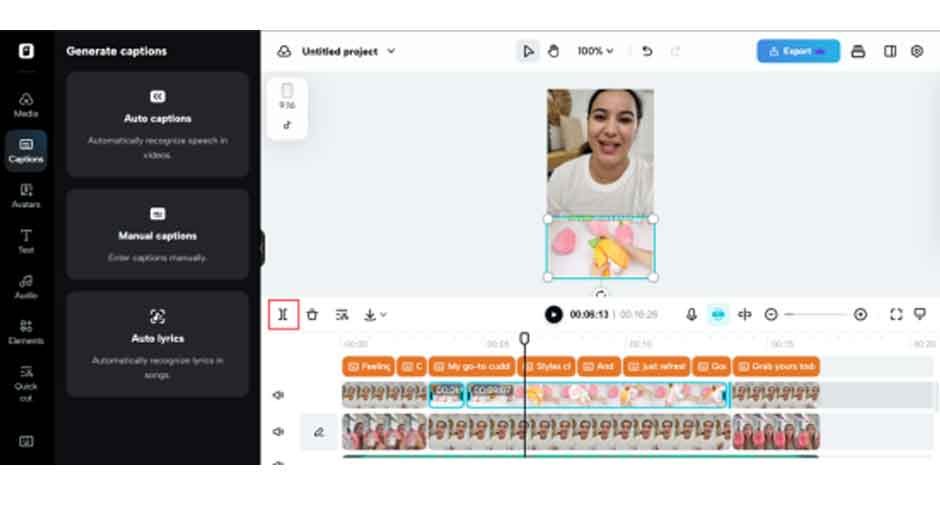
Visual variety: keep them guessing, keep them watching
One of the simplest ways to stop a scroll is to make the visual experience feel fresh every few seconds. Even micro changes hold attention better than a static shot.
Ways to add visual variety:
- Cutaways: Insert quick clips that illustrate what you’re saying, like screenshots, B-roll, or reactions.
- Zooms and crops:Punch in on your face for emphasis, then pull back out. It gives your video a multi-camera feel with one take.
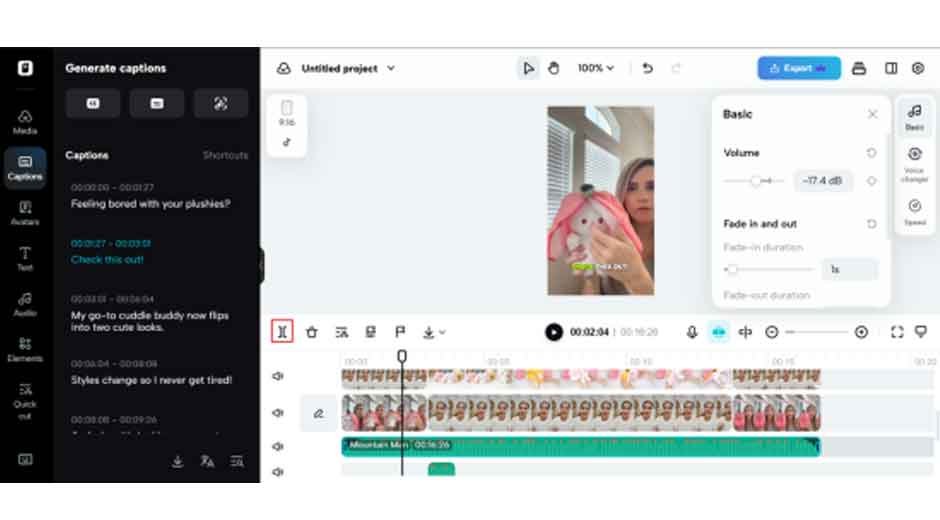
- Captions and overlays:Text animations or pop-ups add context and keep viewers engaged.
And if you ever wondered how to make sure your overlays don’t clash with your audio cues, run your track through Pippit’s audio trimmer first to remove awkward silences or extra bits that mess with your edit timing.
Story beats: give your viewer a reason to stay
No amount of trimming saves a video with no point. Even 15-second clips need a story arc — yes, really!
A simple short-form structure:
- Hook: Grab attention in the first second. It could be a bold statement, a dramatic reveal, or a question.
- Build: Deliver the meat of your clip — the joke, tip, or big moment.
- Payoff: End with something worth rewatching. A loop, twist, or CTA that makes viewers watch again or share.
When you plan with story beats in mind, your trims feel purposeful, and your audience feels rewarded.
Watch time killjoys: what to trim, every time
Not sure what to cut? Here’s a quick checklist for common attention leaks:
- Long intros with no visual hook
- Overly detailed backstories (save it for a longer format!)
- Repeating yourself
- Dead air, filler words, stammers
- Unnecessary wide shots when a close-up would hit harder
Real example: from a five-minute vlog to a fifteen-second magic
Let’s say you recorded a five-minute travel vlog. With smart micro-cuts, you could pull:
- A 5-second reveal of the sunrise for your Reel hook
- A 10-second food shot with captions and trending audio for TikTok
- A blooper or reaction shot for a Story teaser
One shot. Three clips. Endless reach — because you trimmed tight and stayed relevant.
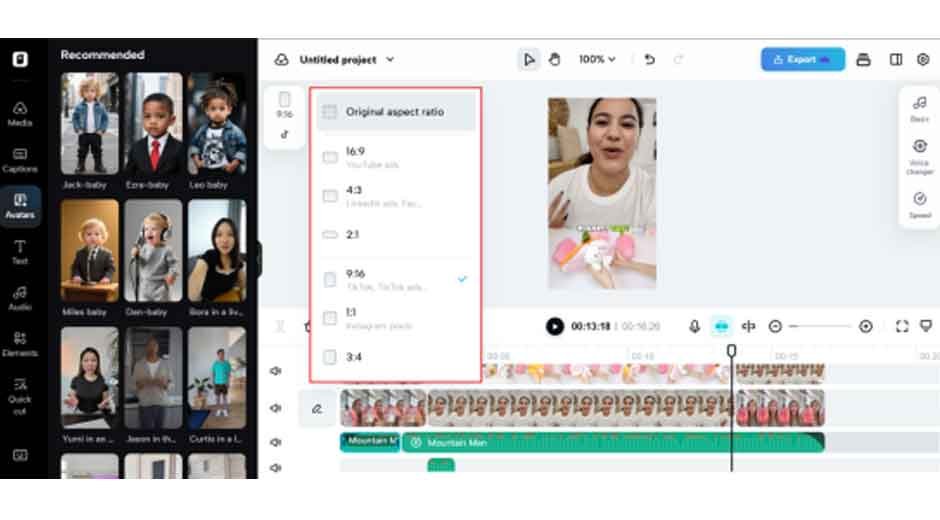
Your toolkit: what makes trimming easier
It’s tempting to dump your clip into an app and hope for the best. But if you want your Reels and Shorts to shine:
- Use a dedicated video trimmer like Pippit that gives you frame-by-frame precision.
- Combine video cuts with an audio trimmer when working with interviews or voiceovers — it keeps everything crisp.
- Use the preview feature to see how your pacing feels in real-time.
- Save multiple versions — sometimes that 8-second clip works better than the 15!
Don’t overthink it: practice makes perfect
If trimming feels intimidating, start small. Experiment with jump cuts, add a zoom here and there, and watch your retention graphs. You’ll see exactly which edits keep people watching.
And here’s the fun part — once you learn to trim tight, you’ll start scripting your long-form content with short-form spin-offs in mind. That’s where real efficiency (and reach) happens.
Ready to trim like a pro? meet Pippit
Want to know the difference between a boring scroll-past and a share-worthy clip? A well-used video trimmer and a sharp eye for story beats.
Pippit makes it effortless to trim, split, and polish your footage — whether you’re slicing up tutorials, interviews, or that once-in-a-lifetime blooper. With built-in audio tools, caption add-ons, and high-res exports, your content always lands tight, punchy, and primed for that precious three-second window.
Try Pippit free today — and see how a few smart trims can keep viewers hooked, sharing, and coming back for more.